What you'll learn
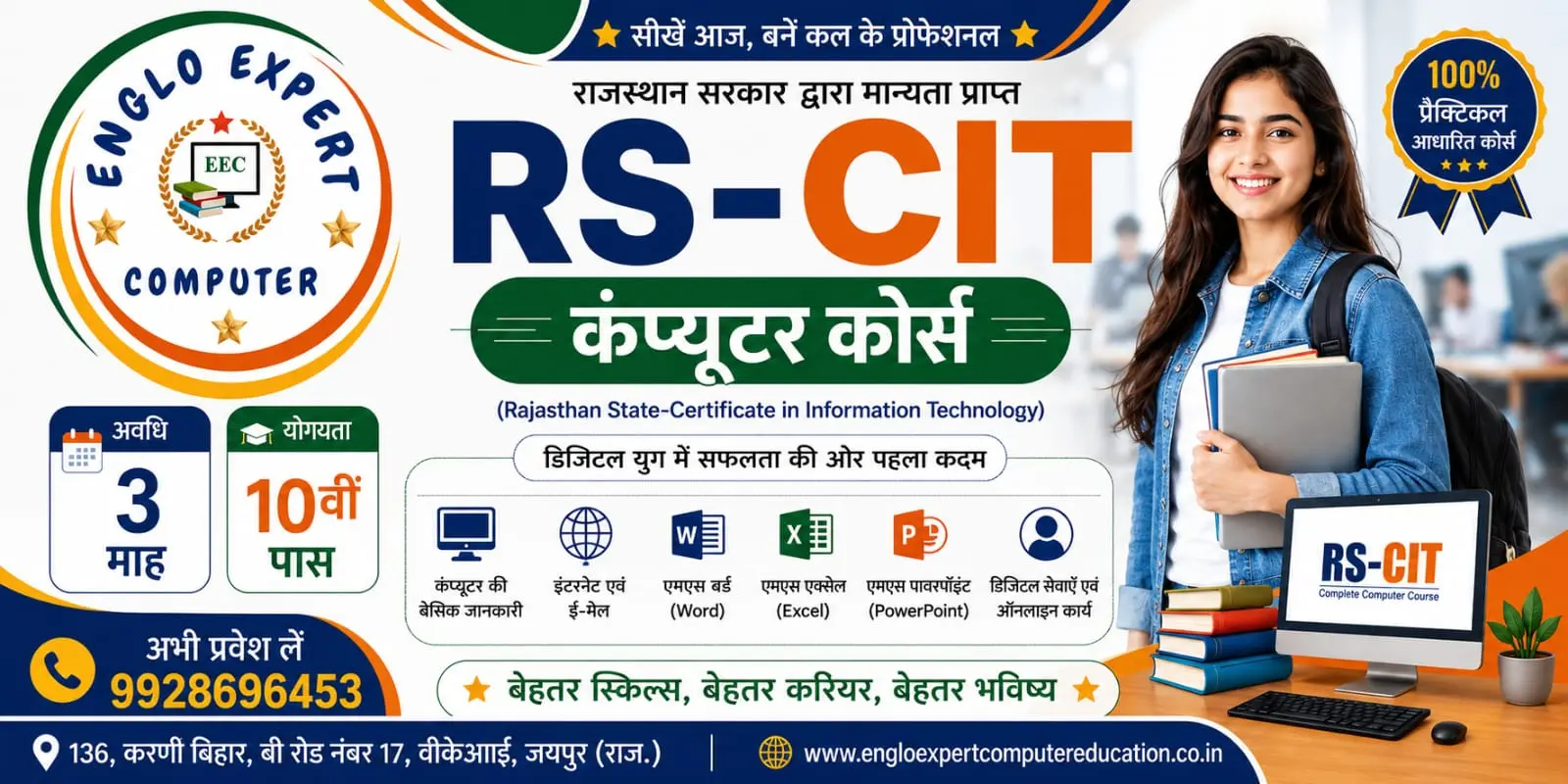
1. Computer Fundamentals
- Hardware vs. Software: Hardware is the physical parts (like a monitor or keyboard). Software is the set of instructions or programs that run on the computer.
- Input and Output Devices: Learning about the mouse, keyboard, and printer.
- Basic Operations: How to turn a computer on and off safely
2. Operating System (Windows)
- Desktop Basics: Icons, taskbar, and the Start menu.
- File Management: Creating, copying, moving, and deleting folders and files.
- Basic Settings: Customizing the wallpaper, date and time, and installing/uninstalling programs.
3. Microsoft Office (MS Office)
- MS Word: Typing text, changing font styles, making tables, and printing documents.
- MS Excel: Working with rows and columns, organizing data, and doing basic math formulas.
- MS PowerPoint: Creating slide shows with pictures, text, and designs.
4. Internet and Email
- Web Browsing: Using browsers like Google Chrome or Microsoft Edge to search for information.
- Email: Creating an email account, composing, sending, and receiving messages.
- Cyber Security: Browsing safely, recognizing spam, and avoiding viruses.

 Bestseller